
In inventor split command use to split part faces, trims and removes a section of the part, or splits the part into multiple bodies. The method option specifies split face, trim solid, or split solid. Draft applies to faces on both sides of the split. The split tool can be sketch geometry, surfaces, or work […]
inventor command
Inventor thicken offset command tutorial
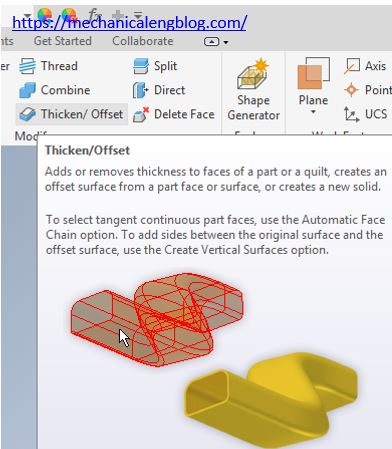
In inventor thicken offset command use to add or removes thickness to faces of a part or a quilt. Create an offset surface from a part face or surface, or a new solid.
Inventor combine command tutorial

In inventor combine command use to cut, join, or intersect operation on two or more solid bodies. You can select a base body to indicate the solid being acted upon. Select one or more tool bodies to perform the specified join, cut or intersect operation on the base solid.
Inventor draft command tutorial

In inventor draft command use to apply an angle to the specified faces of a part. The face draft includes faces that are tangent to the specified face. You can specify the pull direction to indicate the direction in which to pull the mold from the part. You can create a draft about one nor […]
Inventor shell command tutorial

In inventor shell command use to remove material from a part interior, creating a hollow cavity with walls of a specified thickness. You can select the faces to remove to create openings. Clear the face chain option to allow individual tangent face selection. Where do I find it? 3D model -> modify -> shell. How […]
Inventor chamfer command tutorial
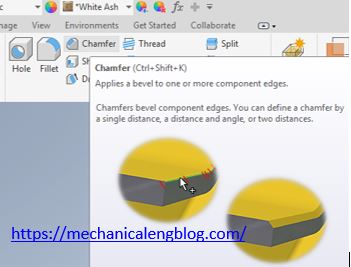
In inventor chamfer command used to apply a bevel to one or more component edges. You can define a change by single distance, a distance and angle, or two distances. Where do I find it? 3D model -> modify -> chamfer. How to use inventor chamfer command? 1. Click chamfer icon from modify panel. 2. […]