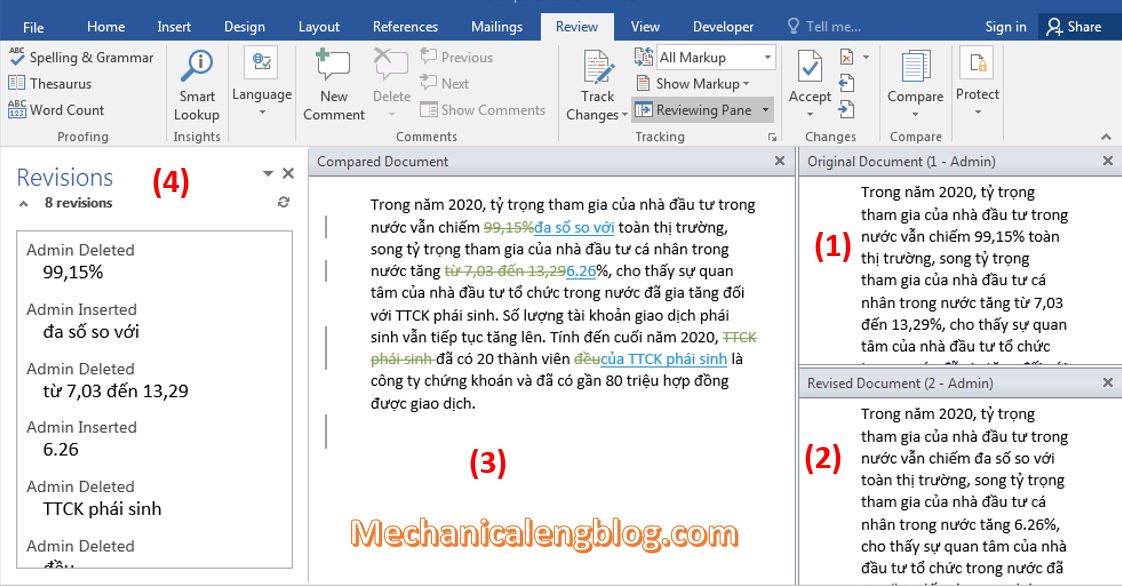
You can easily compare two word documents to find out the changes between them. When you compare documents in Word, you can only show what has changed between the two copies in a separate third document. With this tool, users will know exactly where the difference between the two documents is, so that it can […]
microsoft office
3 ways to rotate text in Word
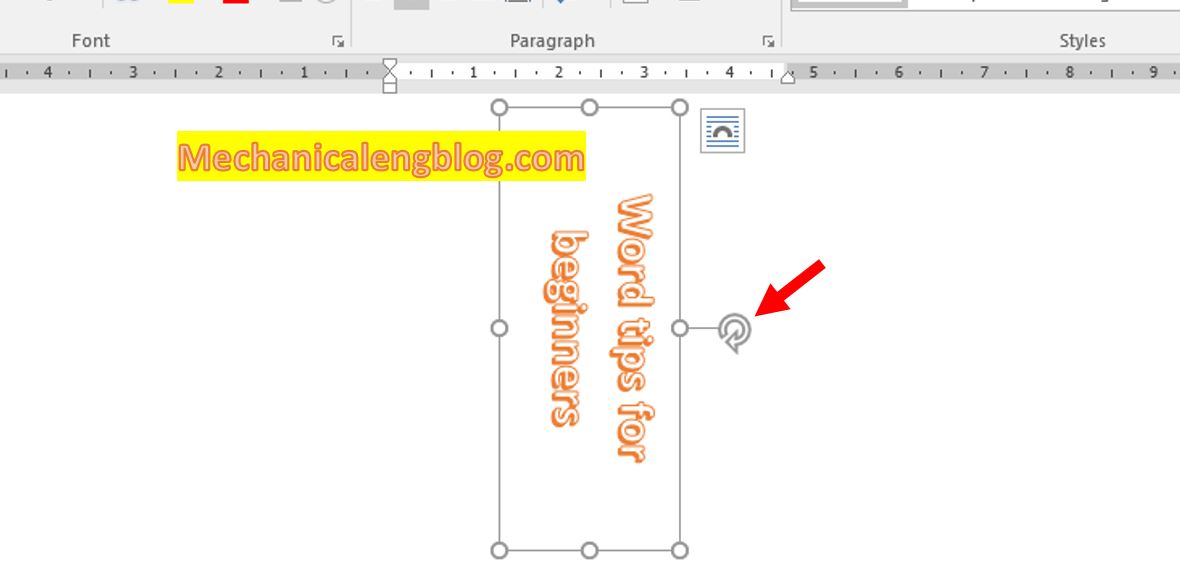
In this post, I will show to you 3 ways to rotate text in Word. You can rotate text by text box, Shapes, WordArt, table. In jobs such as designing flyers, advertisements, timetables…to make the text more prominent and stand out, you may want to rotate vertical, horizontal, diagonal text….In fact you can not rotate […]
how to remove page numbers in word

In this tutorial, I will guide to you how to remove page numbers in word directly? Also, you can remove page number from first page. For documents such as theses, essays, topics, etc., we will need to number the pages for the text to make it easier to see, as well as easier to manage. […]
how to print multiple pages on one page word
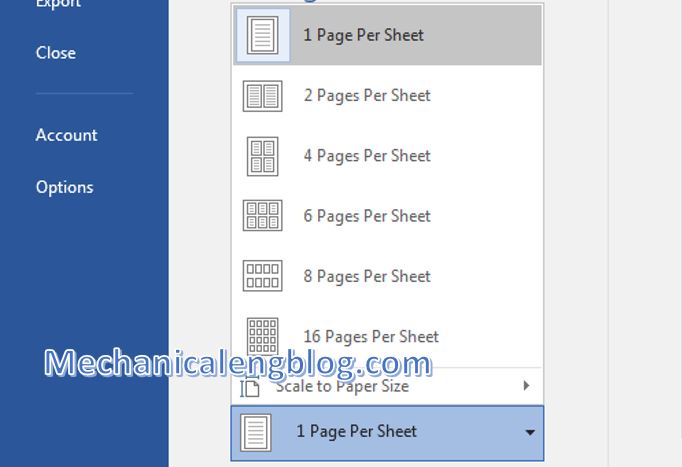
In this tutorial, I will guide to you how to print multiple pages on one page word? you can customize the number of Word pages in a sheet of paper to be more suitable and convenient for you. By default, when printing, you usually print a page of Word documents on a sheet of paper. […]
how to create a template in word

In this tutorial, I will guide to you how to create a template in word? Template is like a sample document or form contains pre-set format such as page format, paragraph format, character format, graphic object, etc… So, instead of having to manually reset these options when using the same form of document, we can […]
How to use mail merge in ms Word 2016

Mail Merge in ms word is a useful feature that Microsoft also provides, to save a lot of time when creating notices, meetings, invitations, etc…. This means you have to send the same text sample to many different people, instead of having to fill in the sample one by one to each person, you just […]