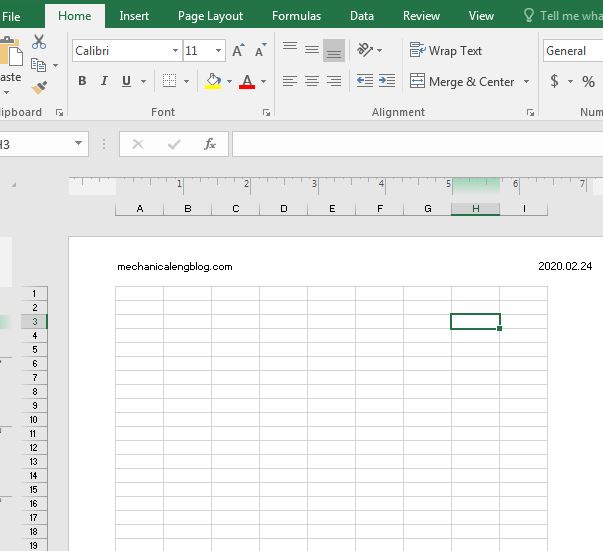
Header and Footer in excel are similar to headers and footers in word or in power point. It is a piece of text, images, special objects (page number, current time….) that are repeated on the sheets. The only difference is in the insertion steps, if in word it is on the Insert tab…in excel it […]
microsoft office
split columns and inserting word art in Word
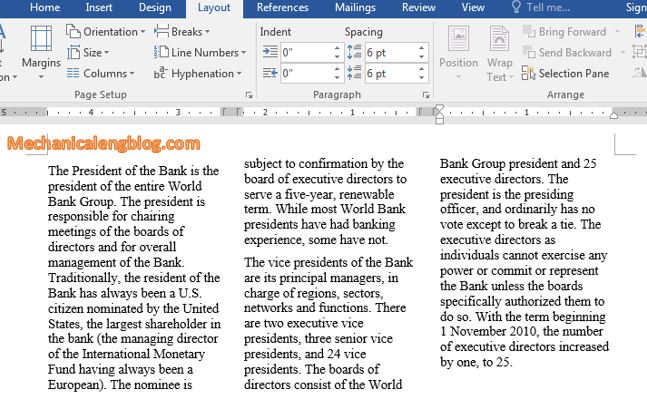
Split columns in word, whether necessary or not, will help a lot in the presentation progress. If you do not know how to divide columns, please scroll down and see the following instructions. 1. How to split columns in Word? Step 1: First, select the paragraph you need to split into columns, or if you […]
2 ways to create border in excel
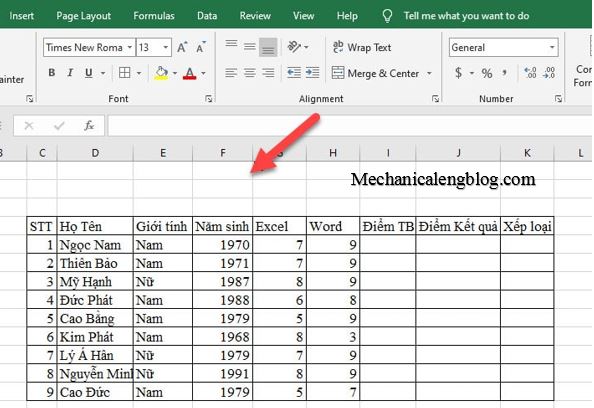
When you enter data in cells in Excel, you will see line around those cells. They are designed to make it easier for users to work. If you do not have a border, you will not see the lines when print your page, you just only see data you have entered. This brings unprofessional for […]
Add a caption for a picture in word

Images, which is indispensable in articles, newspapers or magazines, takes a very important role in making the article more attractive and more professional. Also, images help readers avoid being bored and afraid to read. You don’t have to be a journalist to write a beautiful article. Here in today’s post I’m gonna show you how […]
insert math formulas and copyright logo in Word

Today’s article is not something new, but for those who are still newbies to Word, then this could be quite a difficult problem. When editing text containing math formulas, you will encounter many signs and symbols that you do not know what to do. So today I will guide you how to insert math formulas […]
How to automatically create backup in Word

Have you ever lost you word data because not always we remember to save it? This tutorial will show how to automatically create backup in Word. During Word processing, sometimes you may encounter situations like power outage or a sudden shut down…This can cause file corruption or even file loss. Or when you are presenting […]