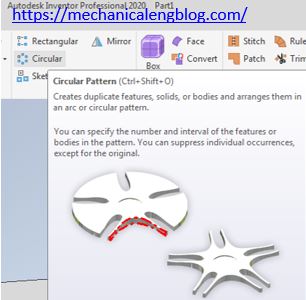
In this post I will guide how to create circular pattern in Autodesk inventor. Circular pattern command use to create duplicate features, solids, or bodies and arranges them in an arc or circular pattern. You can specify the number and interval of the features or bodies in the pattern. You can suppress individual features, except […]
Create rectangular pattern in Autodesk inventor
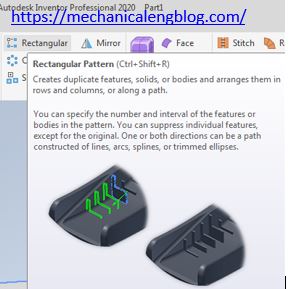
In this post I will guide how to create rectangular Pattern in Autodesk inventor. Rectangular Pattern command use to create duplicate features, solids, or bodies and arranges them in row and columns, or along a path.
Construction injection mold classification

In this post I will explain construction injection mold classification. Injection mold classification depend on structure plastic parts. If a sample has compound shape, the mold is more difficult than simple shape, and we design mold we need to take care injection machine, number of cavities, plastic material,… of customer.
Autodesk inventor create new point

In Autodesk inventor point command use to create new point that is attached parametrically to other objects. use a work point as a reference for creating a work plane, work axis, or other feature in the model.
Autodesk inventor create new axis

In this post I will explain how to create new axis in Autodesk inventor. Work axis command use to create a construction line that is attached parametrically to other objects. Create a work axis when current geometry is insufficient to create and position more features. For example, use a work axis to make symmetry and […]
Autodesk inventor create new work plane.
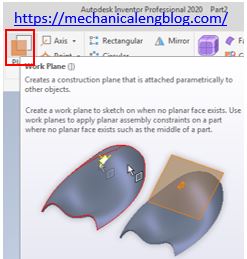
In Autodesk inventor work plane command use to create a construction plane that is attached parametrically to other objects. Create a work plane to sketch on when no planar face exits. Use work planes to apply planar assembly constraints on a part where no planar face exits such as the middle of a part.