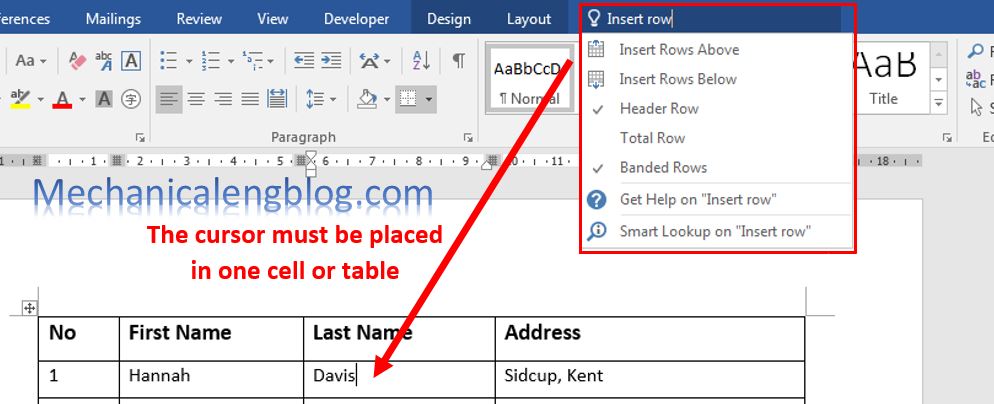
Tell me feature in Word is a tool where you can type words and phrases about what you want. It will opens up the options you need in a blink of an eye, instead of merely telling you where they are located. If you are using Office 2016, did you know, to make finding tools […]
how to create marco in ms word
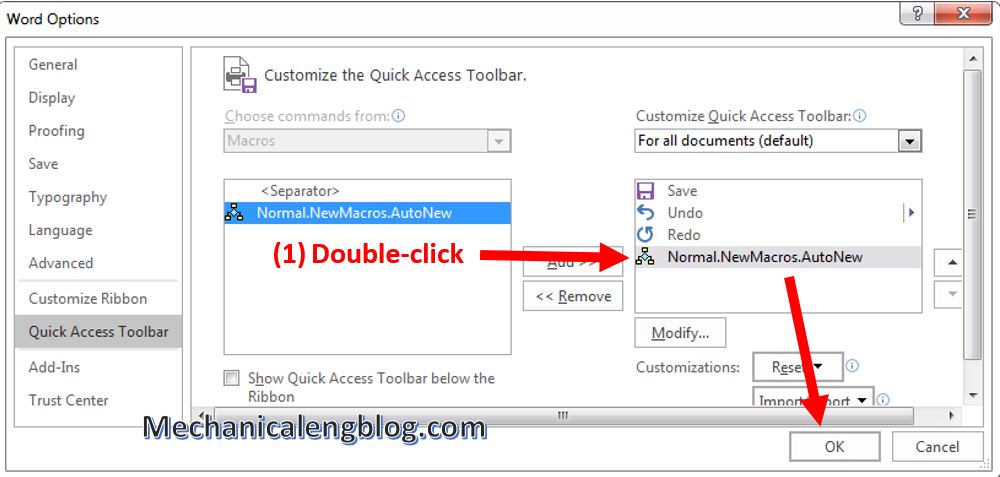
In this post, I will guide how to create Marco in ms Word.It will help yor work fastly and save your time. Macro is a command that executes the script of a job, is integrated in Word which can automatically run when you have created, helping you perform repetitive tasks in Word without having to […]
How to hide personal information in Word
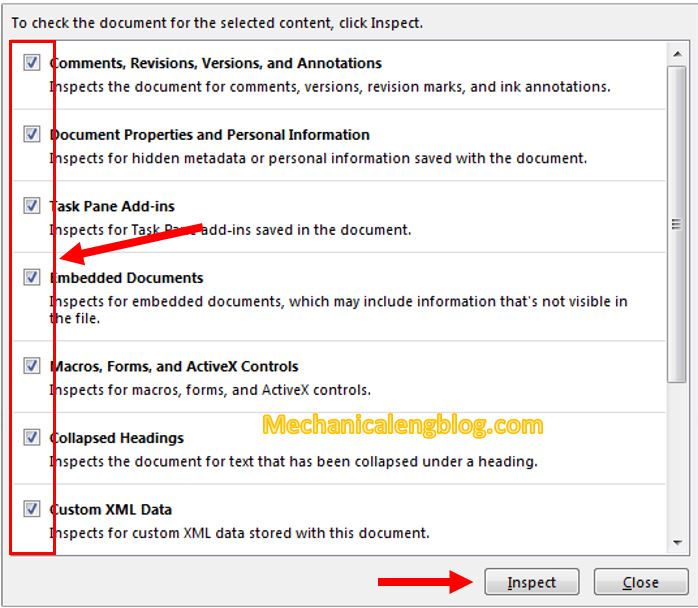
In this post, I will guide to you how to hide personal information in word 2016. It will hide writer’s name, date of writing, editing … In the process of editing Word documents, when saving documents, Office always implicitly saves some text-related information such as: writer’s name, date of writing, editing … If the document […]
How to turn off Compatibility mode in Word

In this tutorial, I will guide to you how to turn off Compatibility mode in Word? You can turn off by compatibility mode, word options setting, delete Normal.dotm, edit in Registry,… When open a document in Word, sometimes you may see the text: Compatibility Mode in the Title bar next to the document name. This […]
How to compare two word documents
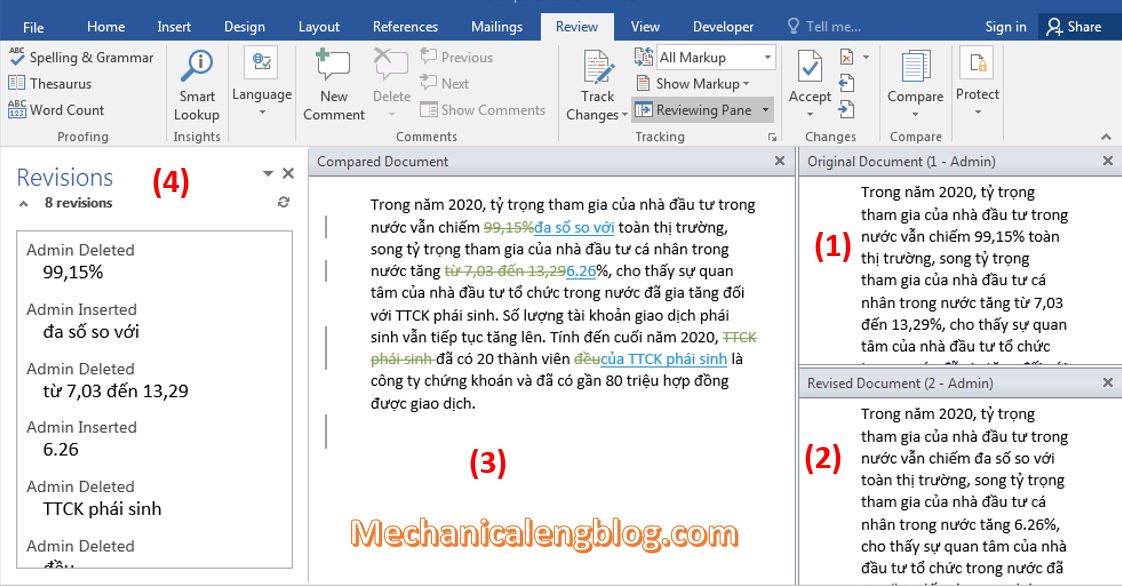
You can easily compare two word documents to find out the changes between them. When you compare documents in Word, you can only show what has changed between the two copies in a separate third document. With this tool, users will know exactly where the difference between the two documents is, so that it can […]
3 ways to rotate text in Word
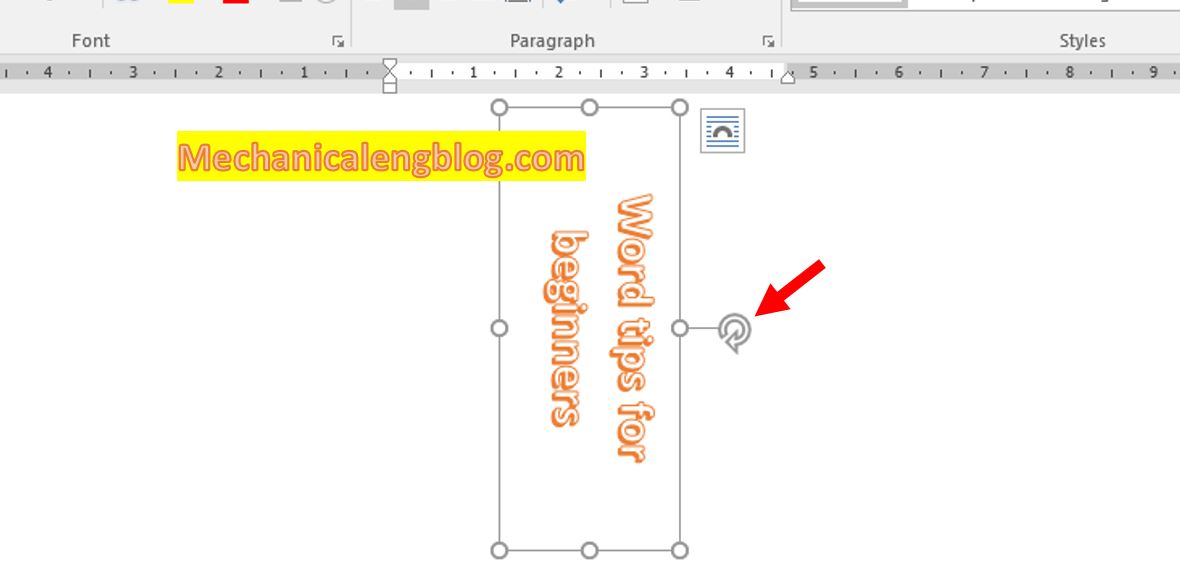
In this post, I will show to you 3 ways to rotate text in Word. You can rotate text by text box, Shapes, WordArt, table. In jobs such as designing flyers, advertisements, timetables…to make the text more prominent and stand out, you may want to rotate vertical, horizontal, diagonal text….In fact you can not rotate […]